Cocktail Menu Pricing You Can Trust
Build your menu, see where every drink lands against your pour cost target, and apply a suggested price in one tap. Then print the guest menu.
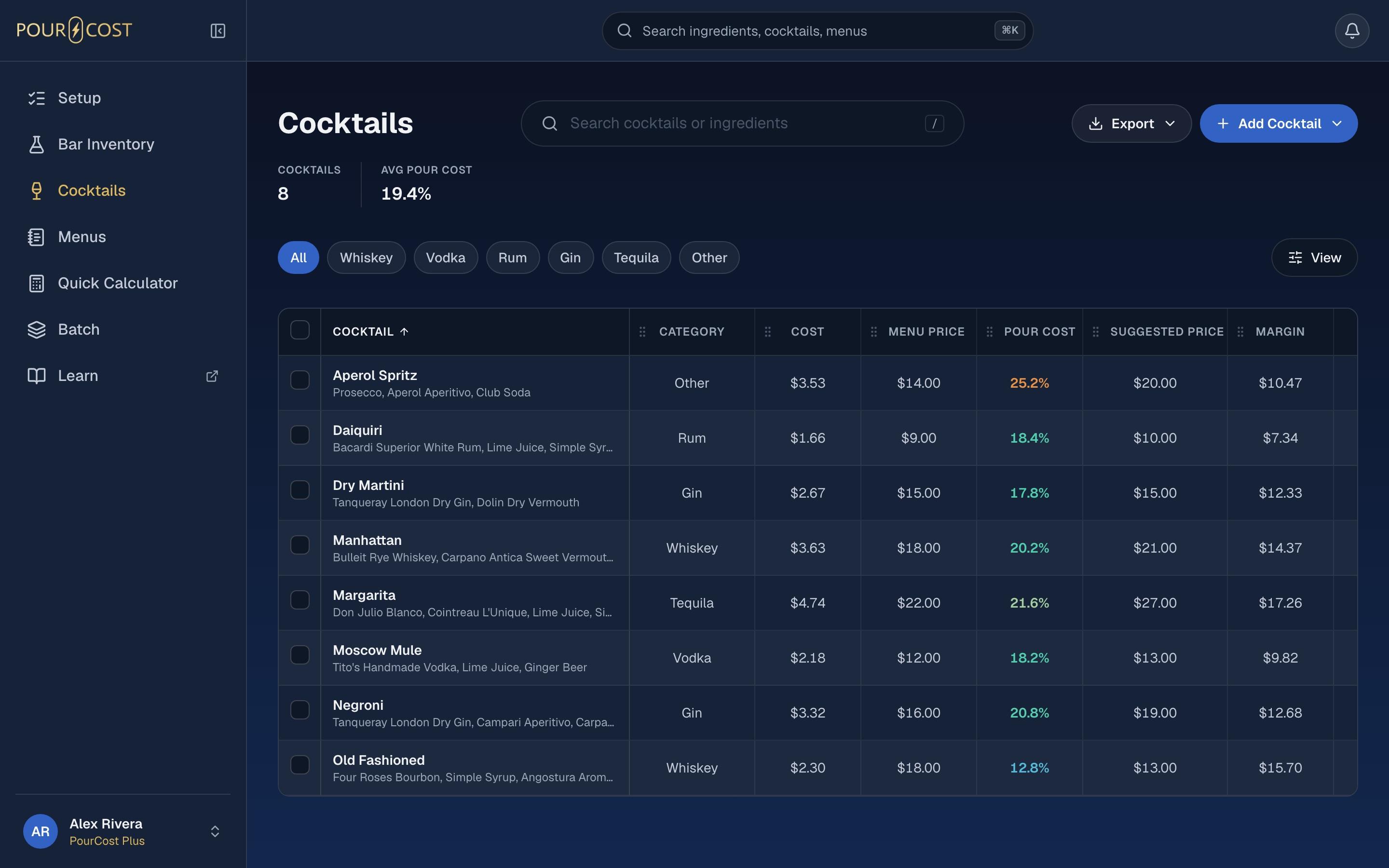
Every Kind Of Menu
Cocktail menu pricing starts with a menu that fits your bar. Build Cocktail, Spirit List, Wine List, Beer List, Happy Hour or Mixed menus. Name your sections and put them in order.
- Happy Hour has its own prices and hours
- Sections you name and order
- Free accounts get one Custom menu
Price Against Your Target
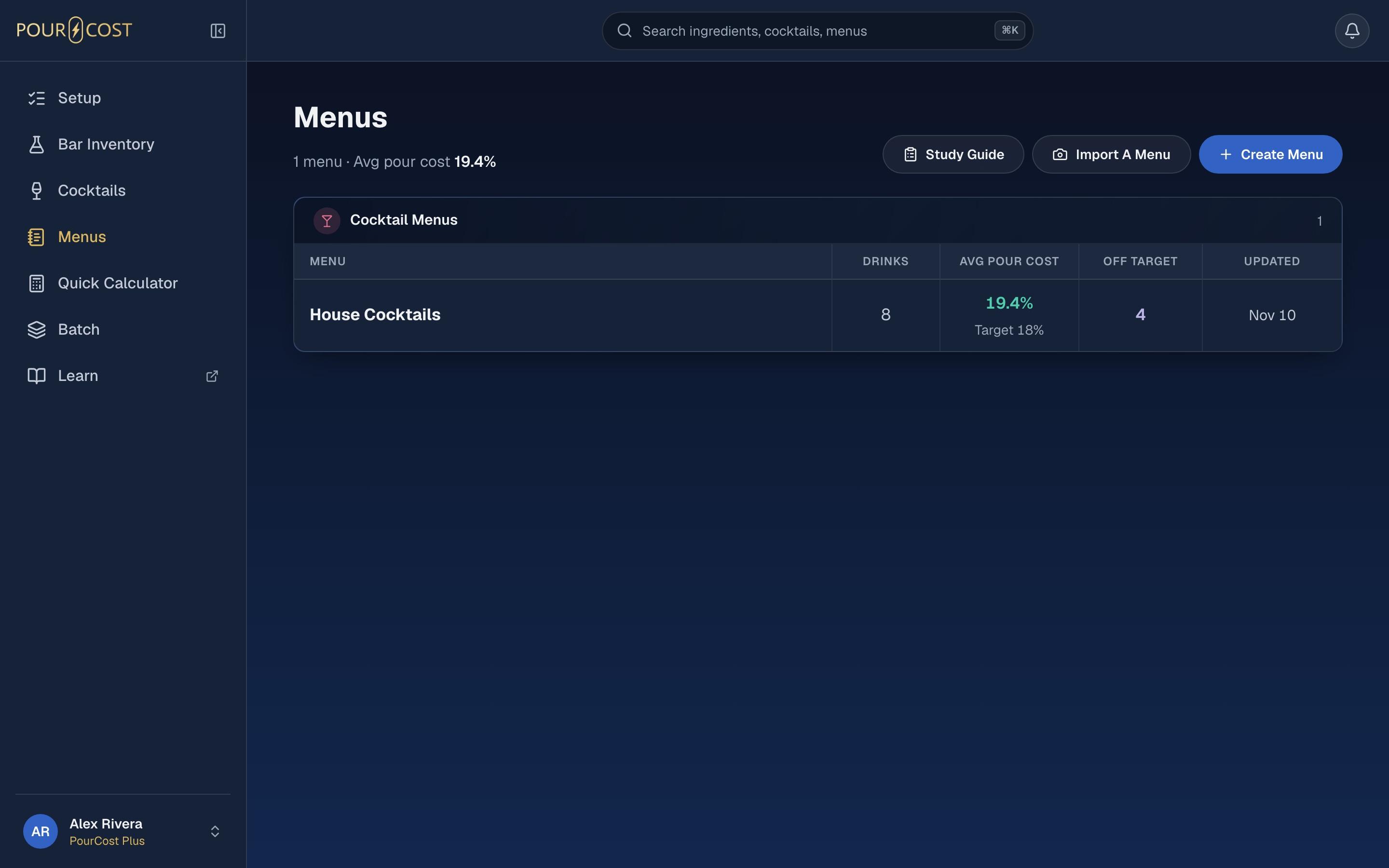
On a menu, every drink shows its menu price, cost, pour cost against your target and a suggested price. If a drink is off target, tap Apply to use the suggested price.
- Menu price, cost and pour cost together
- Compared with your target, such as 18%
- Apply a suggested price with one tap
Print The Guest Menu
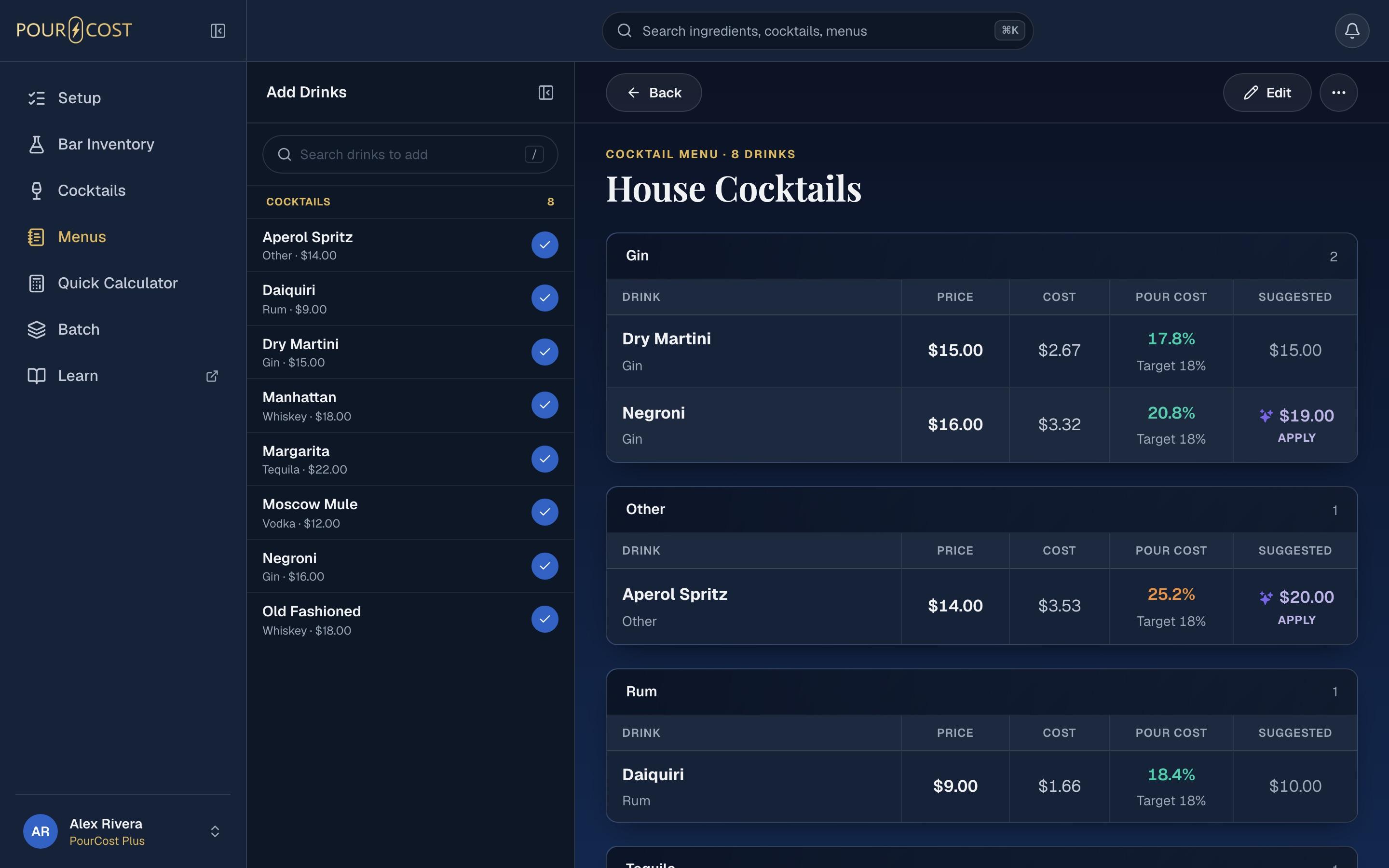
Print a clean guest menu with drink names, descriptions and prices, in your sections. Hidden drinks are left off. Print from the web, or share a PDF from the iPhone.
- Names, descriptions and prices in sections
- Hidden drinks stay off the page
- Print on the web, share a PDF on iPhone
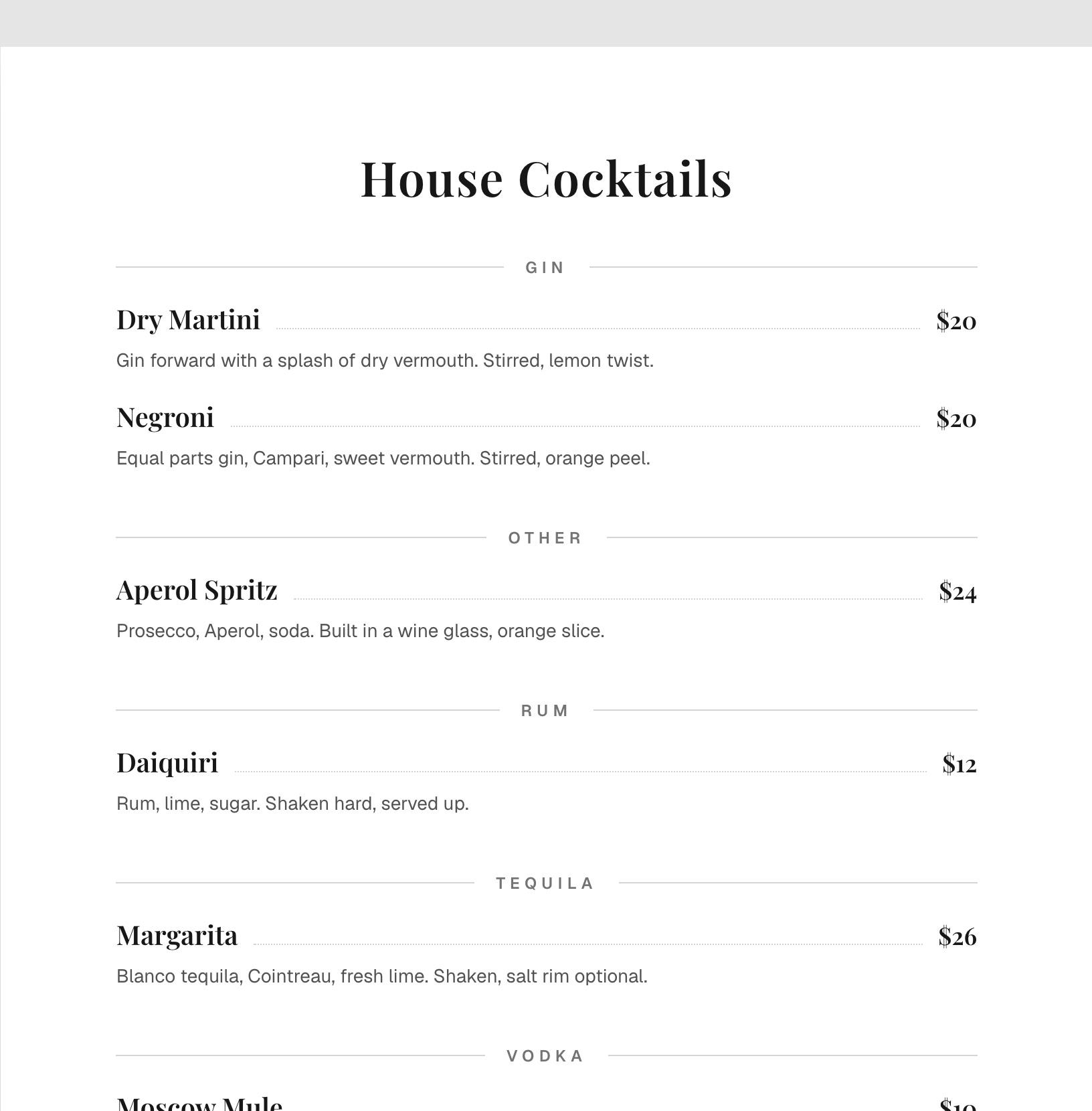
How To Price A Cocktail Menu
- Step 01
Add Your Drinks
Create a menu, name your sections and add cocktails to each one.
- Step 02
Check Each Pour Cost
See every drink's price, cost and pour cost against your target.
- Step 03
Apply And Print
Apply suggested prices where you want them, then print the guest menu.
Common Questions
How Do You Price Cocktails?
Add up the cost of every ingredient, then divide by your target pour cost. A drink costing $2.70 with an 18% target prices at $15.00. PourCost shows this suggested price for each drink and lets you apply it in one tap.
Is There A Cocktail Menu Template?
PourCost gives you the structure: menu kinds, named sections in the order you choose, and a print layout with names, descriptions and prices. You add your drinks, and the guest menu is ready to print.
How Many Menus Can I Make?
Free accounts get one Custom menu. PourCost Pro, a one-time purchase in the iPhone app, adds any number of menus of every kind, including Happy Hour and Mixed.
Can I Print The Menu For Guests?
Yes. Print from the web, or share a PDF from the iPhone. The guest menu shows drink names, descriptions and prices in your sections. Drinks you have hidden are left off.
More Bar Tools

